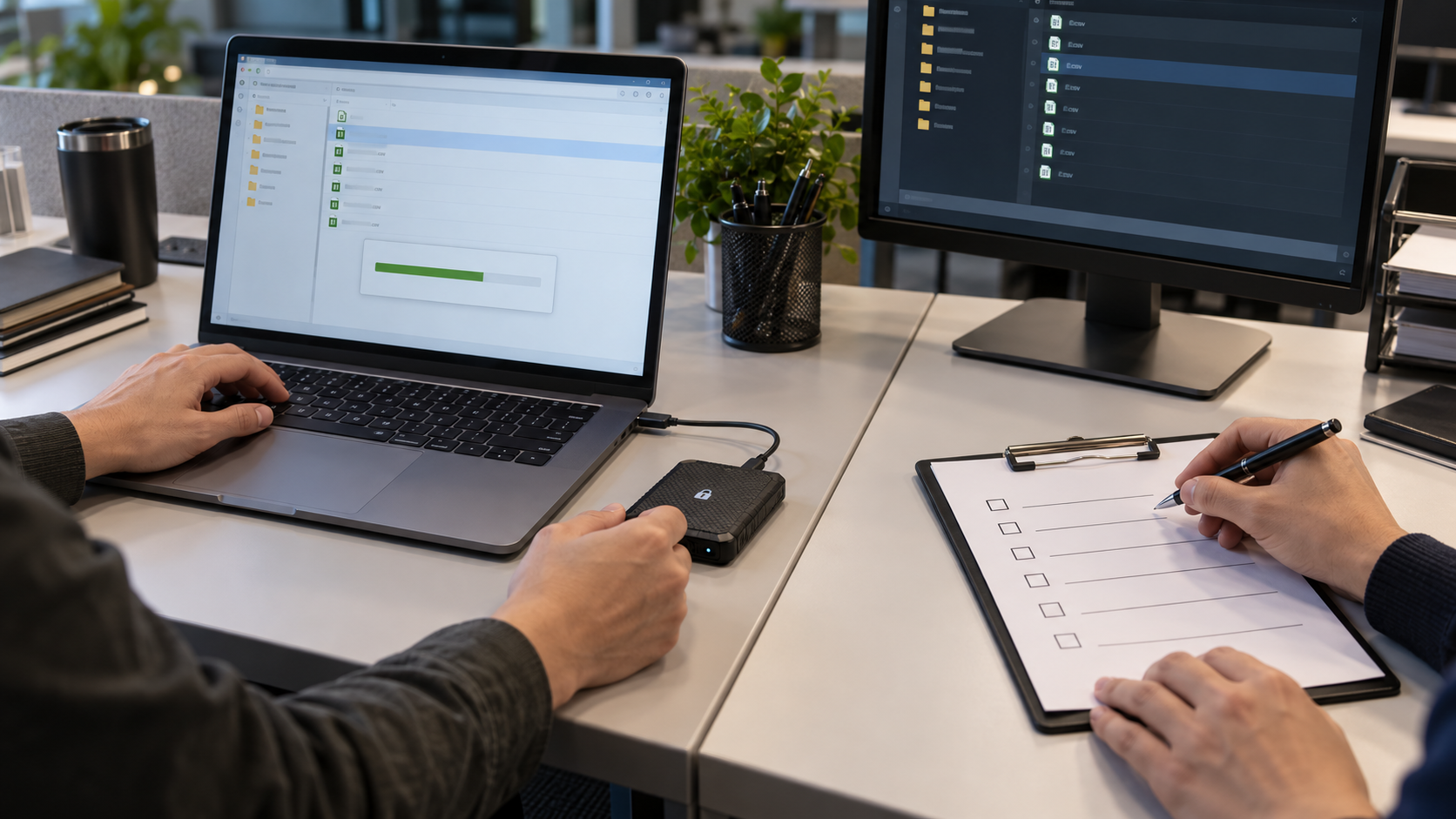
Authorize the workstation and recipient before transfer
Moving CSV exports between analysts creates new copies, new endpoints and new accountability. Encrypting removable media or a transfer package protects bytes, but it does not prove the recipient is authorized, validate the workstation or close the sender’s leftover copy.
Control every copy and transition
- 01Verify recipient, business purpose and minimum dataset through a known channel.
- 02Confirm both workstations meet the required security and malware controls.
- 03Use an approved encrypted device or authenticated transfer channel.
- 04Share any secret separately and record custody or receipt.
- 05Validate the destination, then close access and retire temporary copies.
Keep evidence without duplicating the data
Log sender, recipient, authorization source, export identifier, checksum, transfer method, device or link identifier, delivery time, receipt and post-transfer cleanup.
Stop and investigate when
- A personal USB drive or consumer link is used without approval.
- The password and protected file travel together.
- The receiving workstation has unknown ownership or patch status.
Protection lives outside the CSV format
CSV has no password field; product safeguards stored exports, not in-app CSV encryption or SaaS settings. Validate source permissions, destination controls, derived files and plaintext residue separately.
CSV protection questions
Is an encrypted USB drive enough?
It can protect the stored file, but recipient authorization, endpoint state, custody and cleanup remain separate.
Should both analysts keep a copy?
Only if the documented task, retention and ownership model requires both.
Sources for this decision
Links support specific format or protection decisions and do not imply endorsement.